


Updated Workflow Types: a clearer way to classify your Alloy Workflows
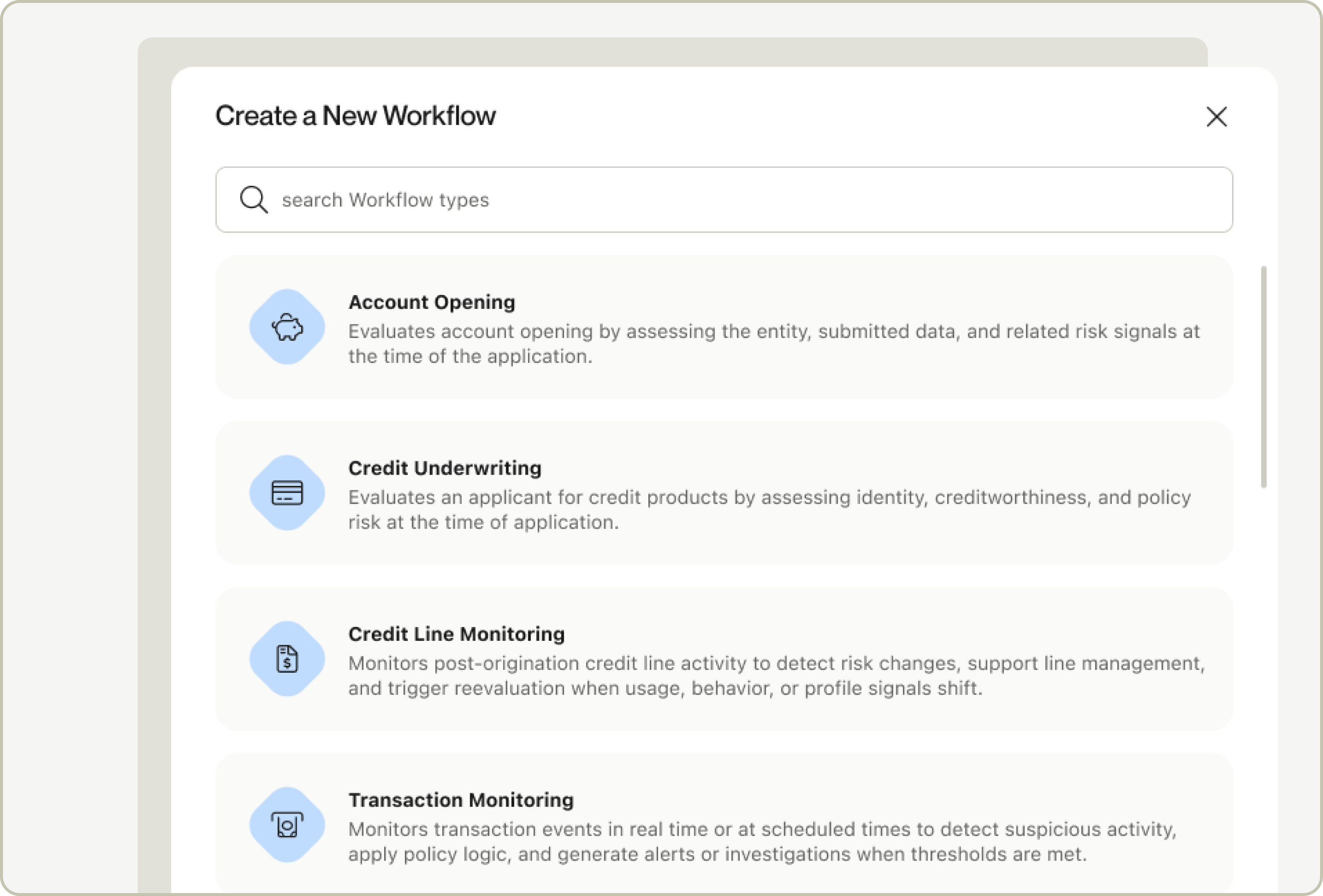
Every workflow you build in Alloy now carries a clear, canonical use case — what it's evaluating, and why — replacing the old, looser workflow types.
What's changing?
- When you create a workflow, you'll choose from a defined set of use cases — like Account Opening, Credit Underwriting, Transaction Monitoring, and Ongoing Event Monitoring — along with the entity type and scope it applies to.
- The new classification shows up everywhere a workflow appears: evaluation and alert queues, your workflow list, journey graphs, and the review experience.
- SDK usage is now indicated with a simple icon instead of a separate "Step Up" workflow type.
Why?
A clear, structured answer to "what is this workflow for" powers more accurate insights, tailored review experiences, and smarter benchmarking across everything downstream.
What this means for you
If you're managing existing workflows, there's nothing you need to do. We're migrating every existing workflow into the new taxonomy automatically, based on how it's configured today, and your existing integrations will keep working exactly as they do now. You'll simply start seeing clearer, more consistent labeling across the dashboard.
For new workflows, you'll notice the creation flow asks a few more targeted questions upfront, designed to make your setup faster and less ambiguous.
For the full breakdown of the new Workflow types, see our documentation here.