New Features

Introducing Product Updates on the Alloy dashboard

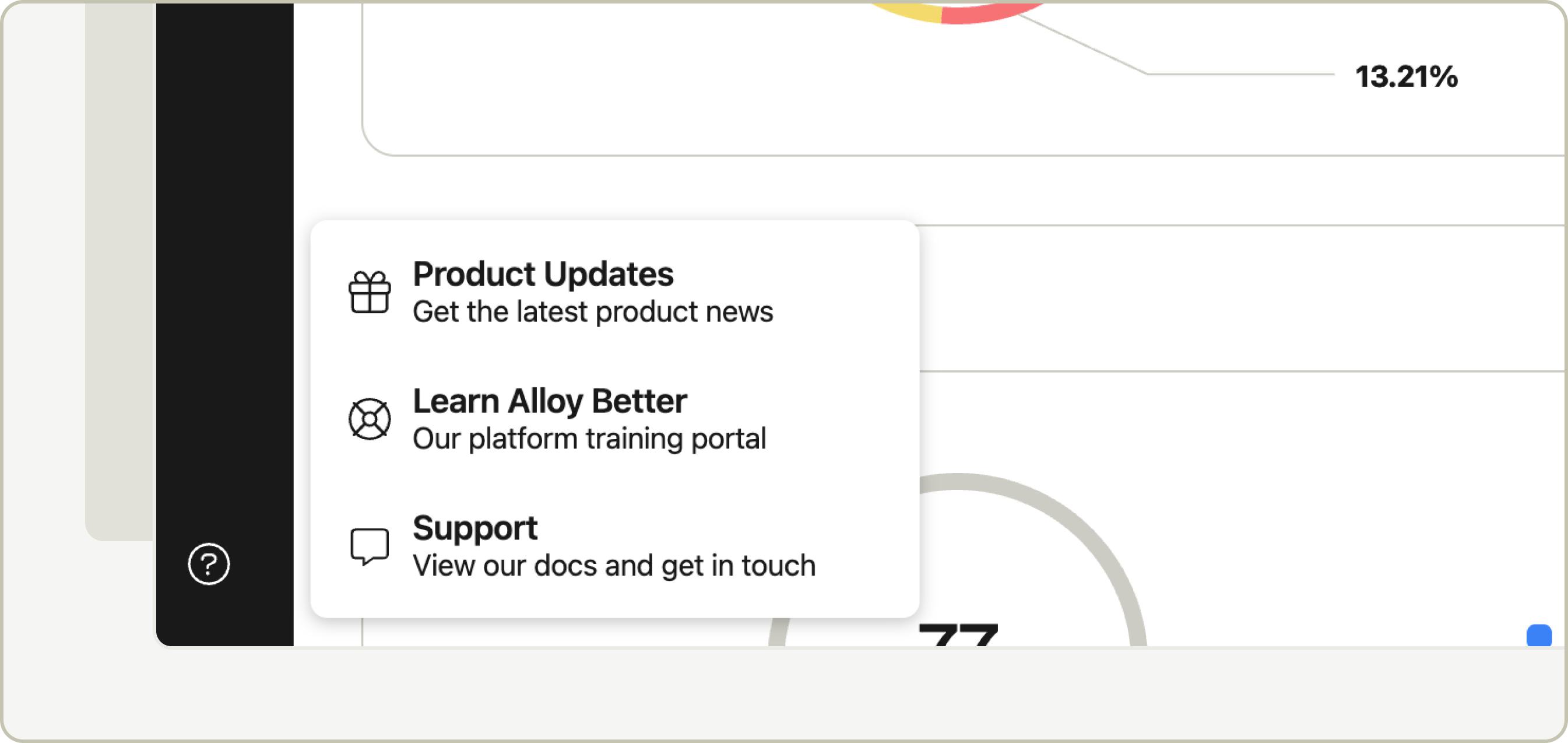
We’ve made it easier than ever to stay up to date with what’s new at Alloy. The new Product Updates section brings our changelog right onto the Alloy dashboard, giving you instant access to information about the latest features, enhancements, and improvements—without leaving the platform.

You’ll now see a dedicated feed of recent releases in the dashboard navigation under the Resources section. Each update includes a clear summary, helpful visuals, and direct links to supporting resources. To explore everything we’ve released, click View Entire Update Collection at the bottom of the preview modal, or head straight to the new Product Updates section on the Alloy website.

Prove Mobile Auth SDK Plugin

Clients on the Alloy SDK can use the Prove Mobile Auth SDK Plugin to automatically verify a customer's device on page load if the device is connected to mobile carrier data and on a supported mobile carrier network. Prove Mobile Auth provides the same level of verification as Prove Instant Link.

Account switcher warning

Users that have access to multiple Alloy accounts (e.g. Sandbox vs. Production) will now see a warning in the top right of their screen alerting them to the account they’ve switched to.

IDnow SDK Plugin

Clients on the Alloy SDK can use the new IDnow SDK Plugin for document verification and liveness check. IDnow’s Identity Proofing Service (IPS) verifies a customer’s identity based on the live capture of an Identity Document and the customer’s face. IPS is a global service that returns a verdict (success, failure), an analysis of the verdict, data about the individual being verified & submitted documents, as well as a PDF report containing the result of the identity verification.

This system is composed of two elements:

  • A REST API for the creation, deletion, and retrieval of the Identity Proofing context and results.
  • A WEB SDK that will capture the document and the face of the customer.

Use cases:

  • Document verification to validate more than 3,000 identity documents from 195 countries.
  • Biometric verification to confirm the existence of an identity and that the person is physically present during the verification process.

LexisNexis ThreatMetrix SDK Plugin

Clients on Journeys can use the LexisNexis ThreatMetrix SDK Plugin for capturing device signals and decisioning on them in Alloy.

To turn on the Threatmetrix SDK Plugin:

  • Navigate over to your account Settings
  • Click on “SDK” in the left white sidebar
  • Click on the Journey you wish to configure it for
  • In the box for “Device and Behavioral Risk Service Settings”, click on the pencil icon in the top right corner
  • Click the toggle under Threatmetrix to enable the plugin.

For more information on implementing ThreatMetrix through the Alloy SDK, check out our developer documentation.

To purchase the LexisNexis ThreatMetrix data product, please speak with your Alloy representative. Alloy is a reseller of LexisNexis ThreatMetrix.

Test History Page

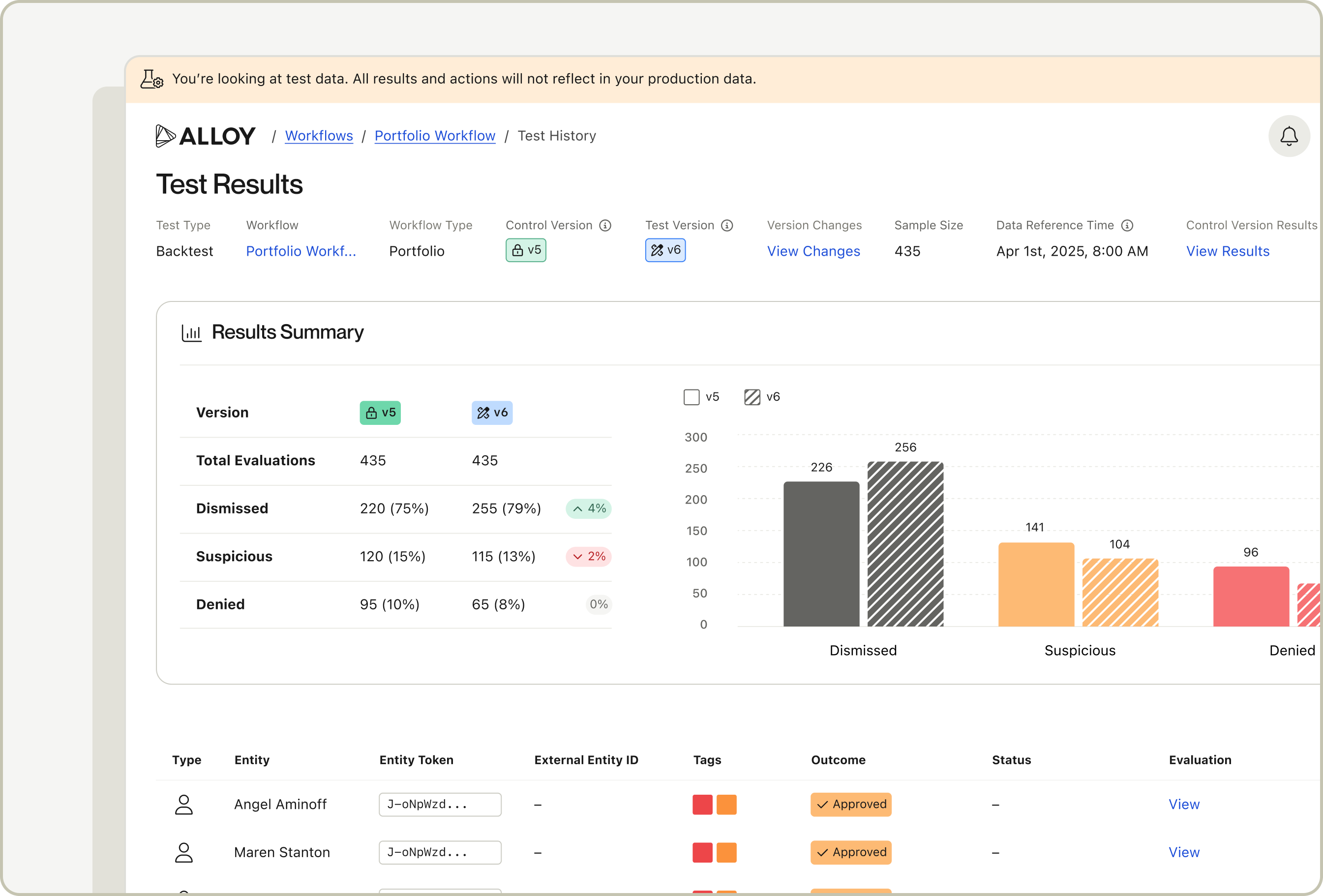
Clients using What-if Analysis can now access historical testing results in a new Test History page. This page includes information about when a test was run, the type of test, the status of the test and the results of the test. With this feature, clients have a single home to view both a summary and detailed historical test results at any given time.

In order to access the Test History page, navigate to the Workflow page and click on the Workflow you’d like to see test results for. You’ll notice a new tab at the top of the page where you can toggle between viewing the Workflow’s Versions and viewing the Workflow’s Test History. Click on the Test History tab to dive into the results.

Sandbox Profiles for Journeys Testing Suite

Sandbox Profiles are now available in the Alloy Testing Suite for Journeys clients. Sandbox Profiles enables clients to autonomously test out scenarios that require a coerced value directly within the platform instead of having to use any external developer tools.

In order get started with Sandbox Profiles, navigate to the Journey builder and click on the Test button on the top right to open up the Testing Suite.

If you’d like to try Journeys, reach out to your CSM or [email protected] to learn more.

Alloy’s SAR filing + FinCEN integration now supports continuing reports & validation of required fields

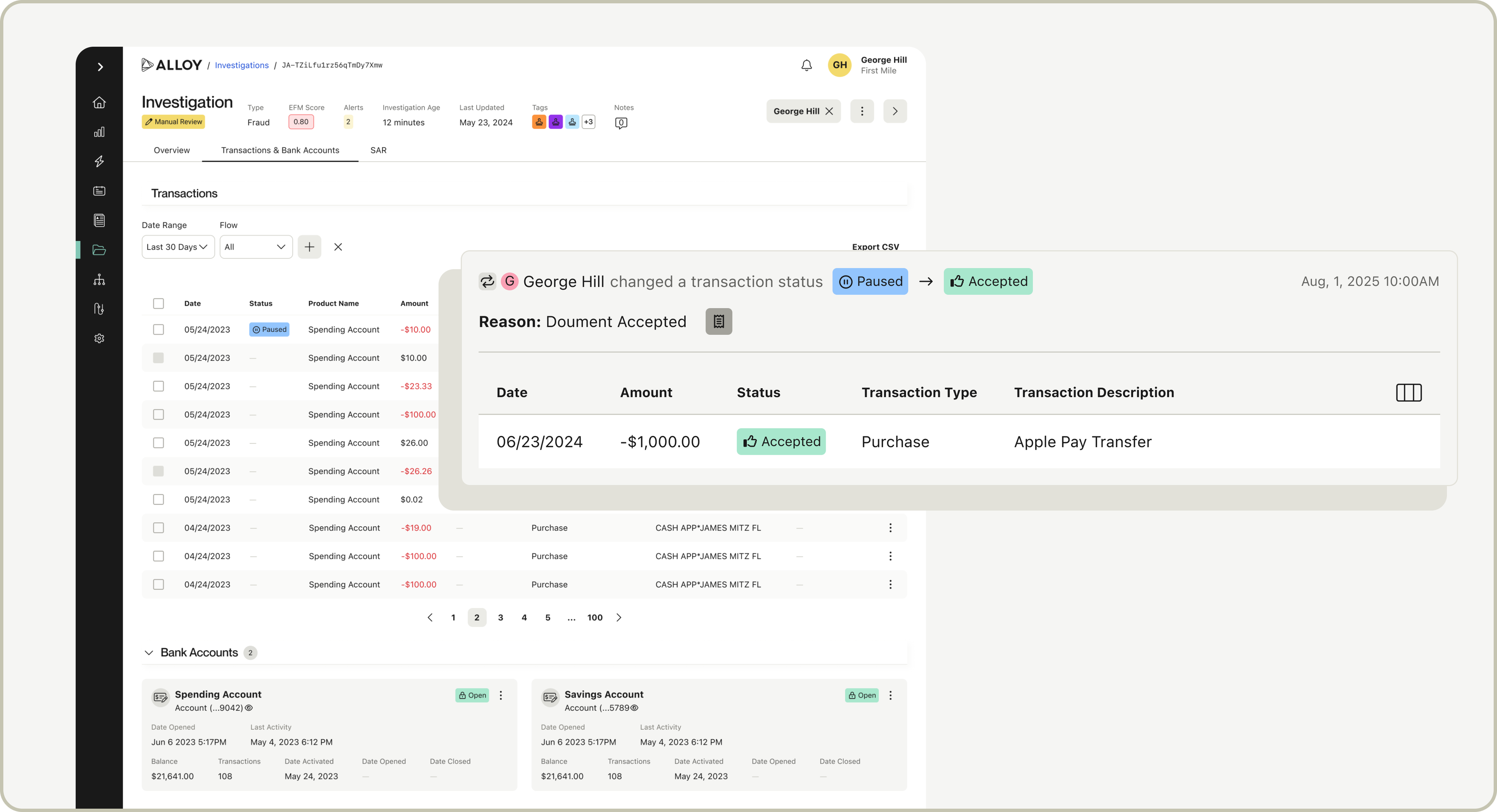
Alloy's FinCEN integration now supports the full SAR lifecycle - initial, amended, and continuing reports! With the addition of continuing reports, clients can report when an entity continues to conduct activity in the 90 days since the last successful report submission. Field level validations help agents provide all of the required information to submit to FinCEN, reducing the chance of a report being rejects and helping agents spend less time updating and re-submitting reports.

Please reach out to your CSM or [email protected] if you'd like to be set up with this feature.

Back